
Let’s set the scene. You’re in the Green Car (first-class compartment) of a high-speed train on Japan’s Tōkaidō Shinkansen line between Tōkyō and Ōsaka. You start feeling peckish but you’ve neglected to stock up back at the station.
“Ah, there’s the cart person who rolls up and down the train selling provisions!” Then it hits: cart service is no longer offered on the Tōkaidō Shinkansen. (It’s still done on some other lines but not here.) What to do?
Whip out your mobile device and order online, of course. Here’s how.
A few things to bear in mind. First, the service is exclusive to Green Car (first class) passengers. If you’re sitting in an Ordinary Car this will not be available.
Second, this service is only available on the Tōkaidō Shinkansen (between Tōkyō and Shin-Ōsaka stations). Other shinkansen lines either have no onboard service or still offer cart sales.
In addition, you’ll need internet access as orders are taken through a website.
To start, reach for the card in your seat pocket and scan the QR code. (Return the card afterwards; you’re not meant to take it with you.)

When the website loads, tap on the “Language” icon (upper right-hand corner) and choose English. Then tap on the link that reads “Ordering service”.
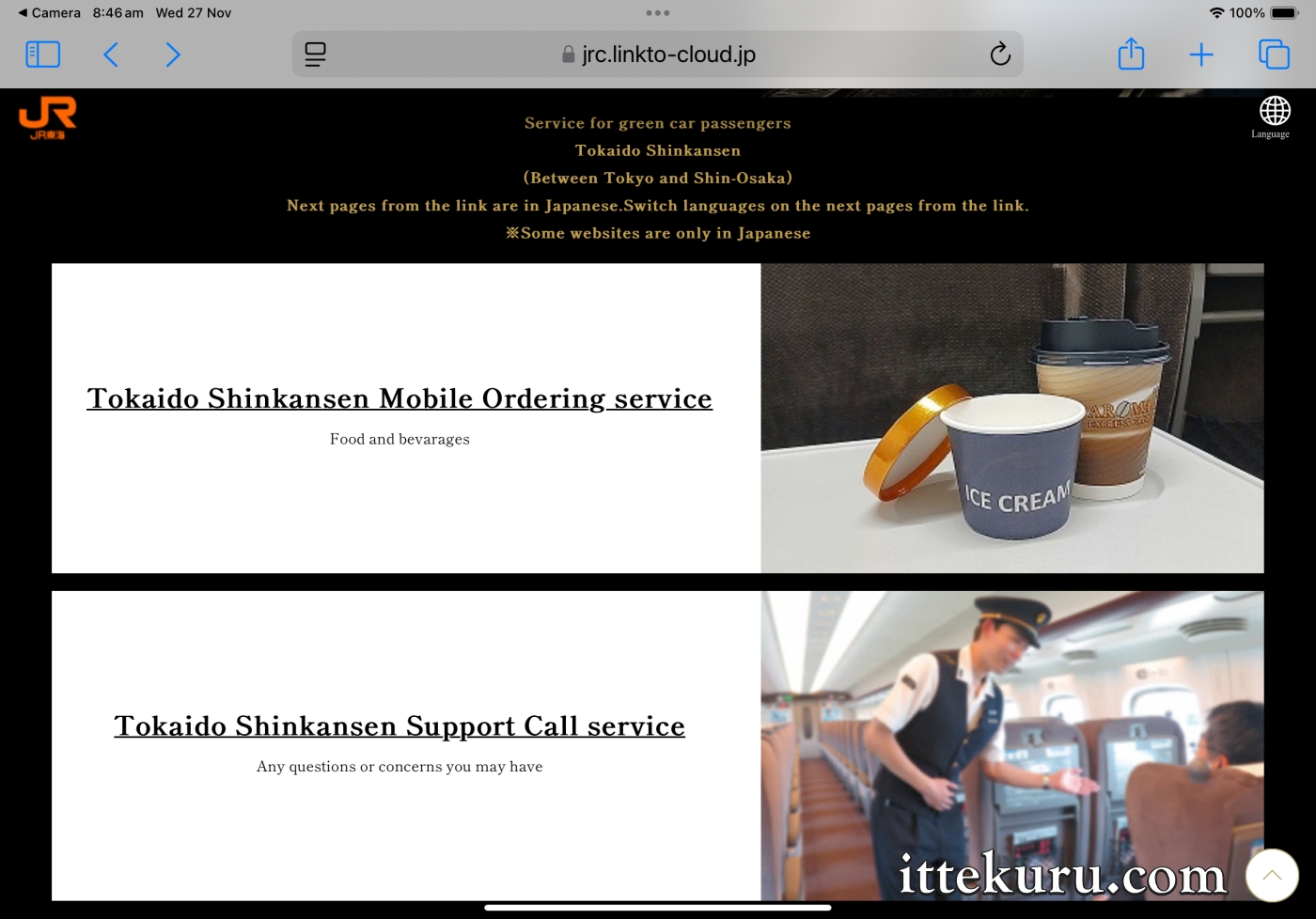
Take note of the terms supplied on the screen, then tap on the button labelled “Please click here”.
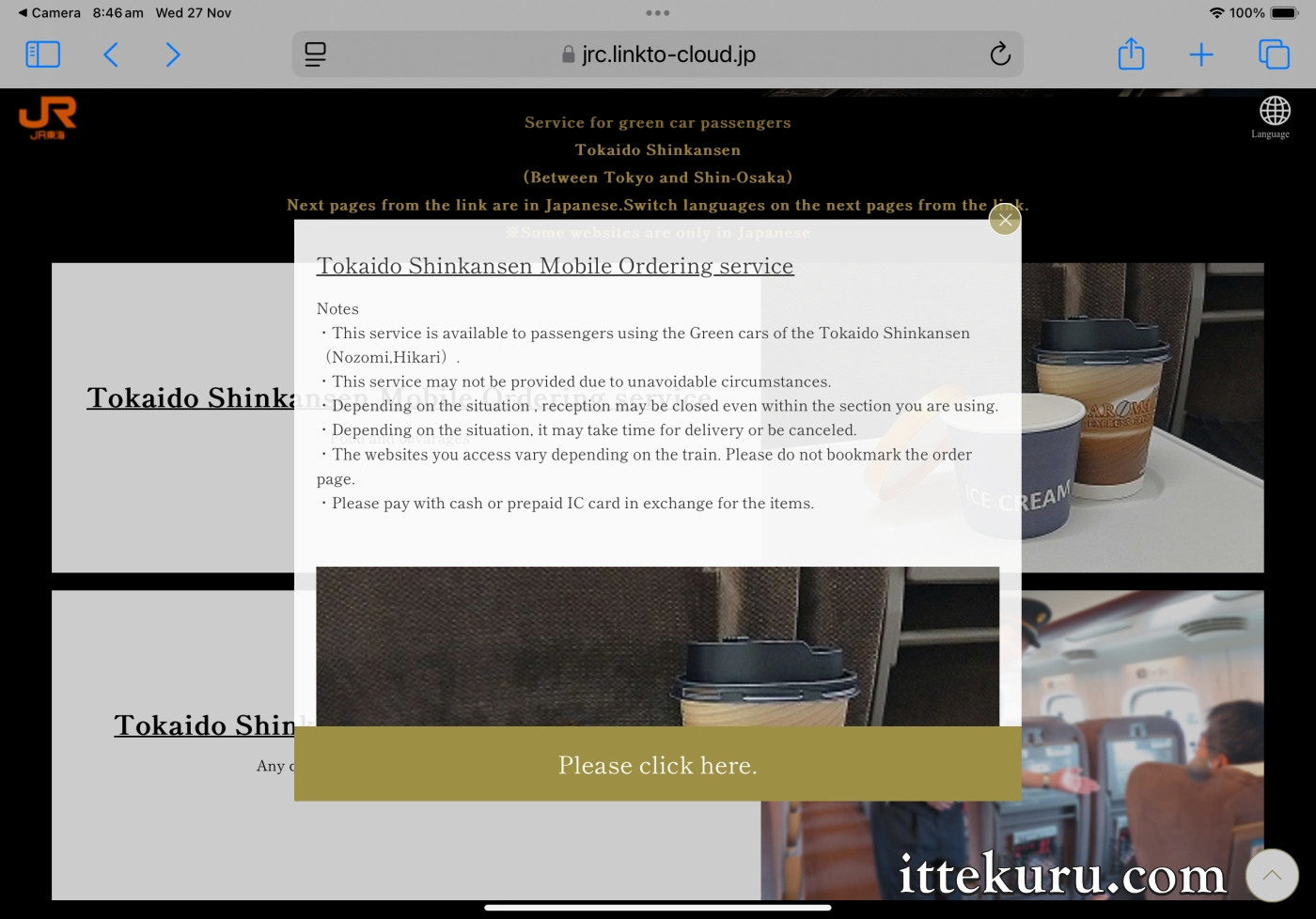
The following page will initially load in Japanese; tap on “English” to change this if desired. Next, enter/select (a) the three-digit number of the specific train/service you’re on, (b) your car and seat number, and (c) the station where you’re getting off. Make sure all details are accurate; otherwise the cabin attendant may not be able to locate you. Once done, tap on the “Proceed with this content” button.
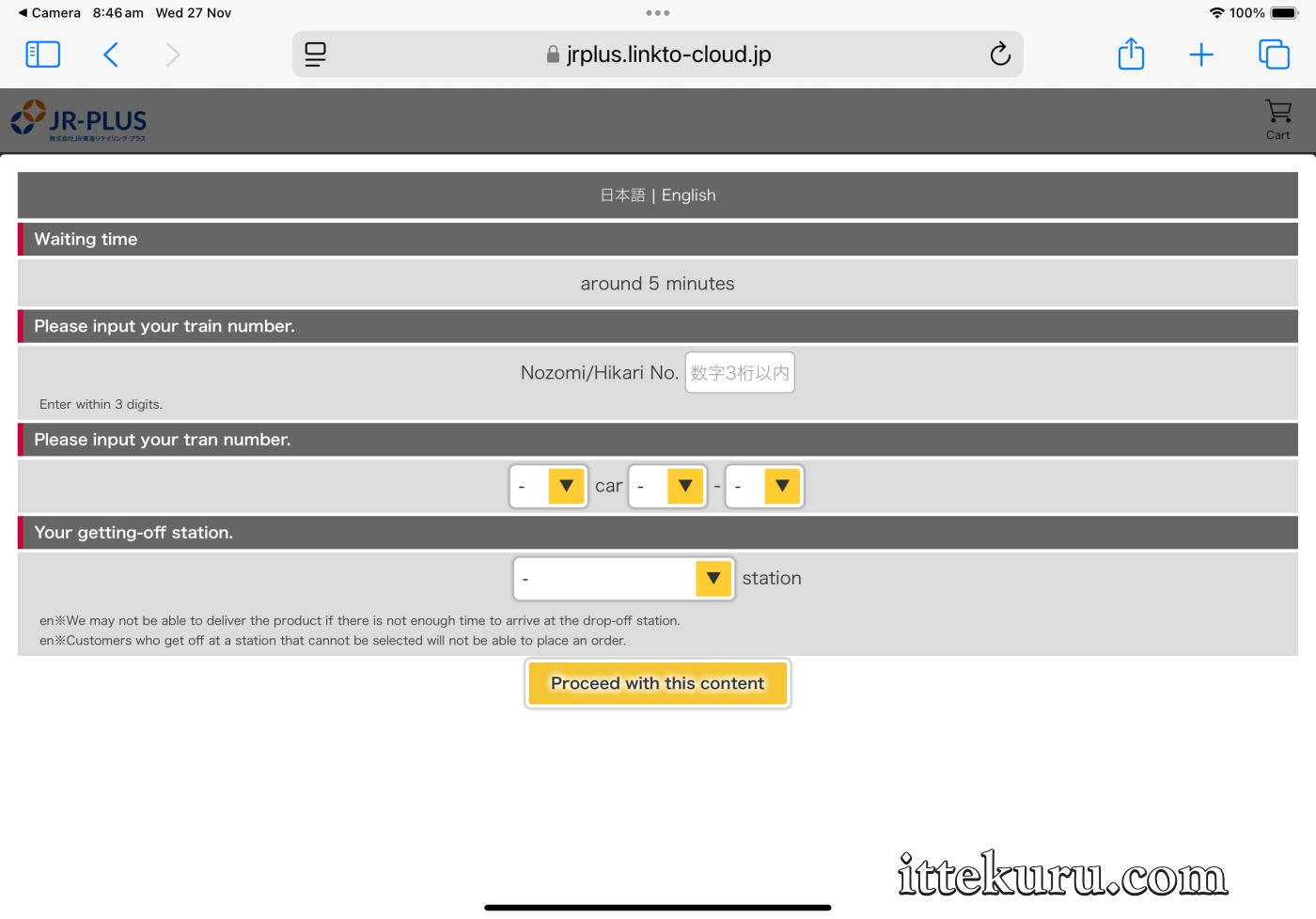
Scroll down through the menu and make your selections. For some items, you’ll only need to specify the desired quantity.
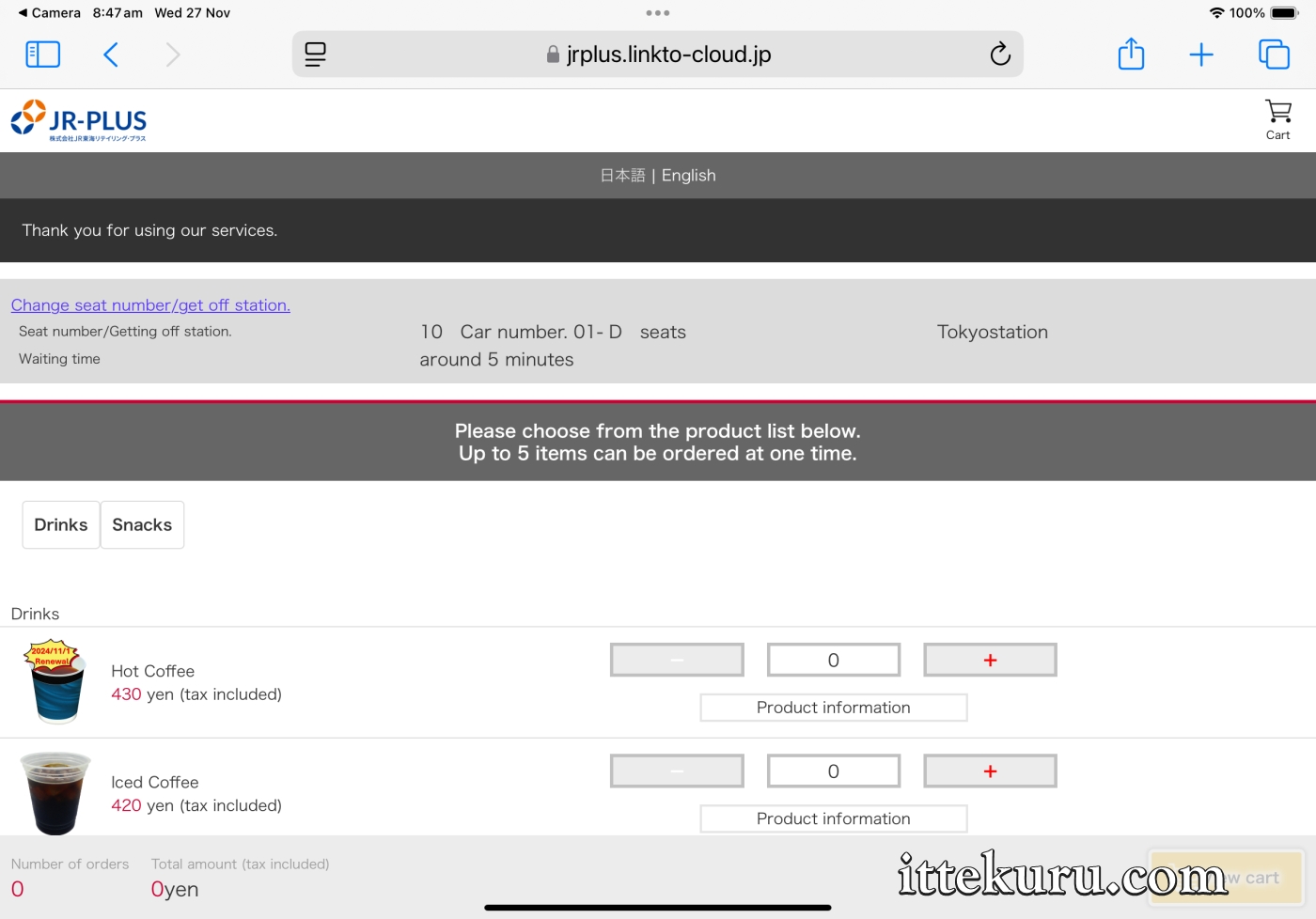
For others, another page will load where you can fine-tune the order to your liking (such as requesting sweetener syrup and/or milk for coffee).

Tap on “View cart” once the order is complete. Review the details on the page that follows, then scroll down to tap on the “Agree and place order” button.
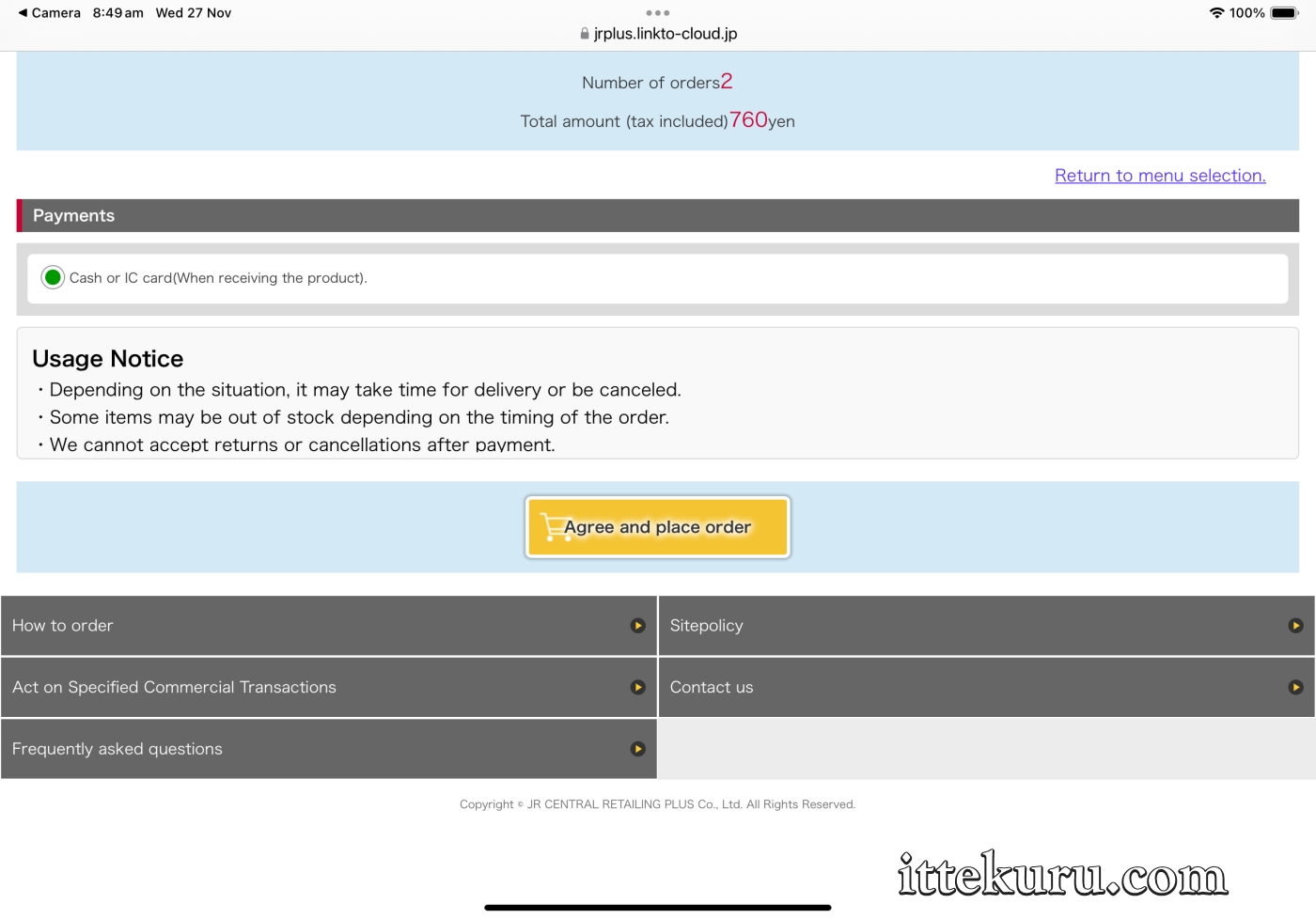
A final confirmation screen will appear. Whilst waiting, prepare your preferred mode of payment (both cash and IC cards are accepted).
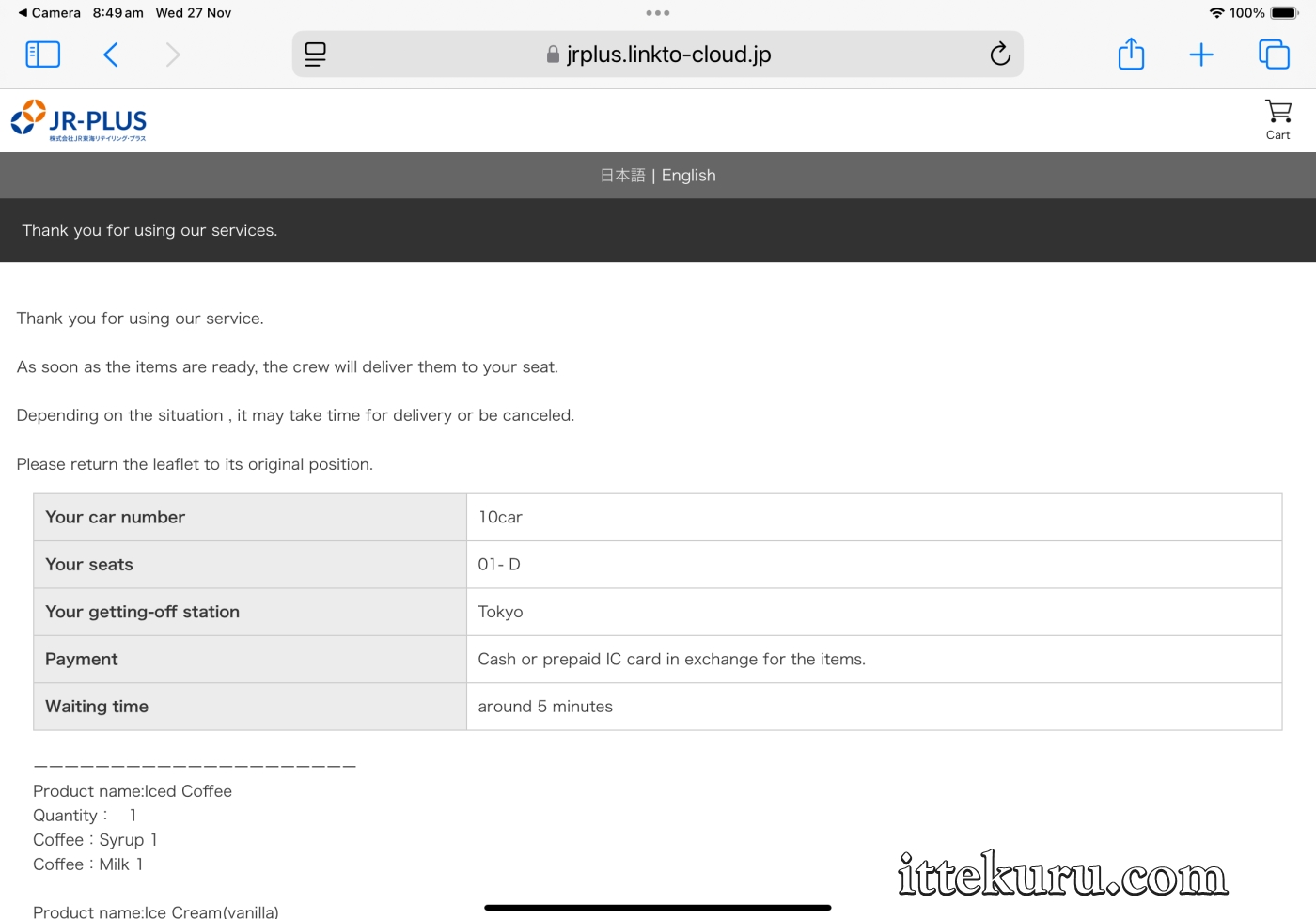
After several minutes, a cabin attendant will turn up with your order. Settle the bill by cash or IC card.
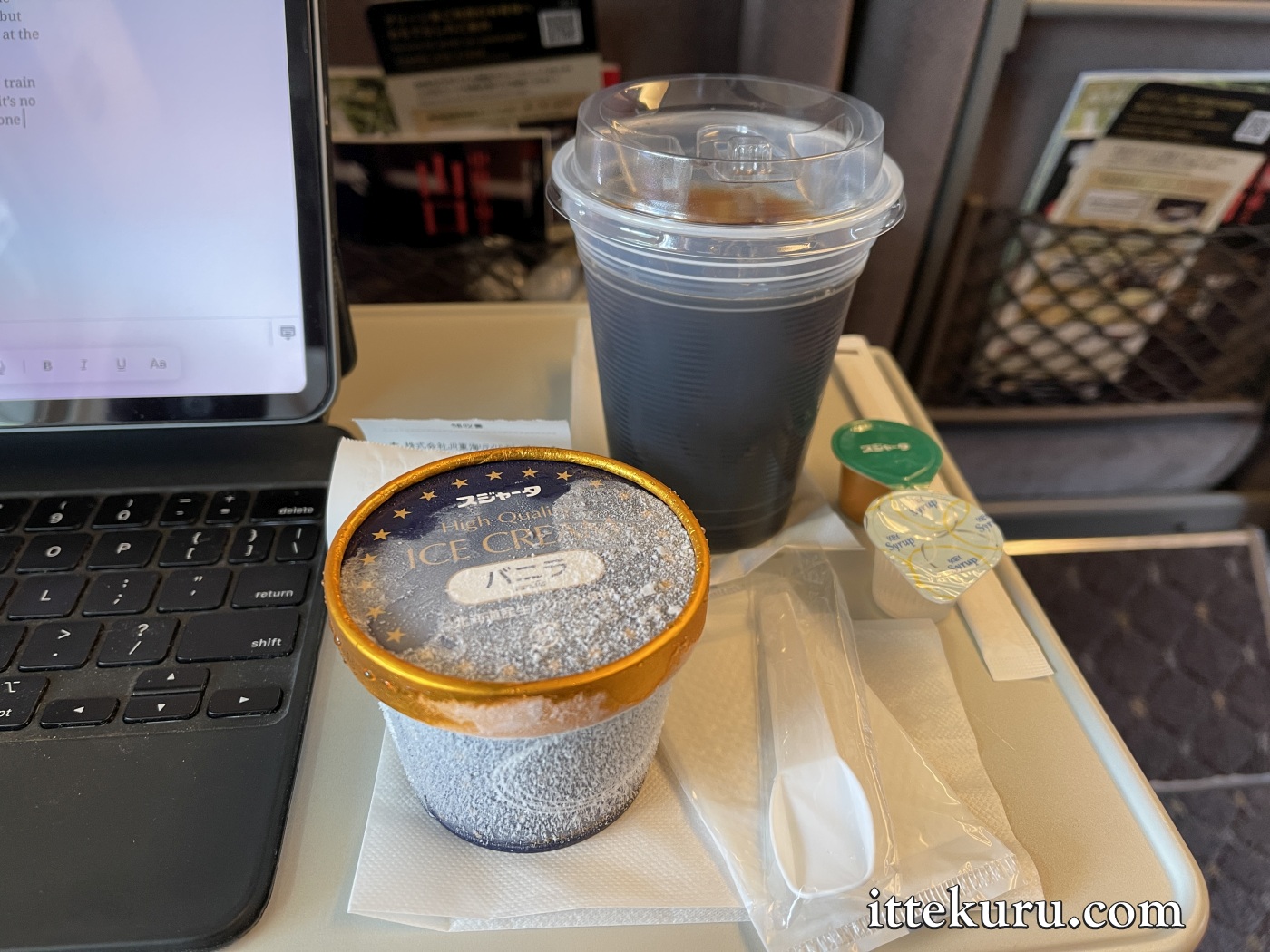
Now all that’s left is to sit back, relax, and refuel on your freshly acquired provisions.
Cheers and happy travels.
Like what you’re reading? Buy me a coffee!

 Within striking distance
I kept getting a 403 forbidden error while trying to order until I signed into the free shinkansen WiFi. That solved it.